

Blog
SAS vs SATA vs NVMe: How to Choose Drives for a Server
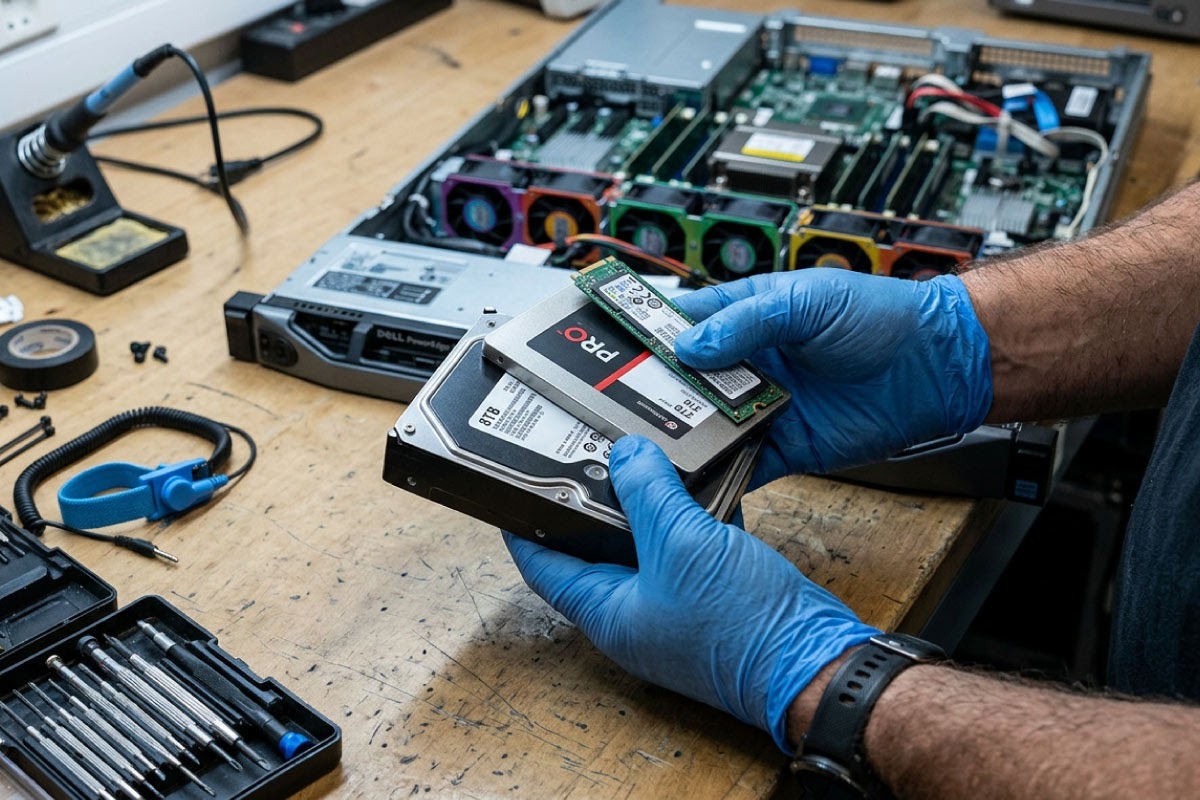
Choosing drives is one of the most important decisions when you specify a server, and the SAS vs SATA question comes up every time. Add NVMe to the mix and it gets more confusing, especially on older refurbished servers where not every bay supports every drive.
This guide explains how the three interfaces differ, what speeds and duty ratings actually mean, which combinations are compatible, and how to choose the right drives for a refurbished Dell PowerEdge or HPE ProLiant server.
📋 Key takeaways
- SATA: 6Gb/s interface, best value per terabyte, suited to backups, archives and light workloads.
- SAS: 12Gb/s interface on most refurbished servers, built for continuous enterprise use.
- NVMe: SSDs on PCIe with far deeper queues, but only in servers built or upgraded for it.
- Compatibility: SATA drives work on SAS controllers. SAS drives do not work on SATA controllers.
- Fit: Every drive also needs the right caddy and form factor (2.5-inch SFF or 3.5-inch LFF) for your server.
What is the difference between SAS, SATA and NVMe?
All three are ways of connecting a drive to the server. SATA (Serial ATA) grew out of the desktop world and is the standard in most PCs. SAS (Serial Attached SCSI) is the enterprise equivalent, designed for servers and storage arrays. NVMe (Non-Volatile Memory Express) is a newer interface designed specifically for solid-state storage attached over PCI Express.
The interface is separate from the media. You can buy SATA hard drives and SATA SSDs, SAS hard drives and SAS SSDs. NVMe is SSD only. Seagate sums up the general trade-off well: SAS drives outperform SATA drives and are designed for continuous use, while SATA drives generally offer higher capacity for the price.
How fast are SAS, SATA and NVMe?
The SATA Revision 3.0 specification set the SATA interface at 6Gb/s, and that remains the ceiling for SATA drives. SAS runs at 12Gb/s in most servers you will find refurbished. The newer 24G SAS standard is, according to SNIA and the SCSI Trade Association, backward compatible with 12Gb/s and 6Gb/s SAS and doubles the effective bandwidth of 12Gb/s SAS.
Raw link speed is only part of the story. The NVM Express overview points out that SATA devices handle up to 32 commands in a single queue and typical SAS devices up to 256, while NVMe supports up to 64K queues with 64K commands each. That is why NVMe shines when many virtual machines or database queries hit storage at once.
| SATA | SAS | NVMe | |
|---|---|---|---|
| Connects via | SATA or SAS controller | SAS controller (RAID or HBA) | PCIe lanes through an NVMe backplane, or M.2 and add-in cards |
| Interface speed | 6Gb/s | 12Gb/s (24G on newest systems) | Depends on PCIe generation and lanes |
| Command queueing | Up to 32 commands, one queue | Up to 256 commands | Up to 64K queues of 64K commands |
| Typical server drives | 7.2K RPM HDDs, SATA SSDs | 10K and 15K RPM HDDs, 7.2K nearline, SAS SSDs | U.2 2.5-inch SSDs, M.2 |
| Best for | Backups, archives, file storage, boot drives | Databases, VM hosts, mixed workloads | Latency-sensitive, high-IOPS workloads |
Can you use SATA drives in a SAS server?
Yes. Seagate’s support guidance states that SATA drives may be plugged into SAS controllers, but SAS drives cannot be plugged into SATA controllers. The two share the same underlying infrastructure, but the connectors differ: SATA drives separate power and data, while SAS drives combine them in one connector.
That one-way compatibility is useful on refurbished servers. Dell and HPE documentation lists SAS and SATA drives side by side for models such as the PowerEdge R740 and R750 and the ProLiant DL380 Gen9, so you can put cheaper SATA drives where capacity matters and SAS drives where performance matters.
SAS has one more enterprise feature: dual-port drives. Seagate’s 15K RPM Exos 15E900, for example, is a dual-port 12Gb/s SAS drive. A second port gives a second path to the drive, which storage systems use for redundancy.
⚠️ Watch out: If your server has only a basic onboard SATA controller rather than a SAS RAID controller, SAS drives will not work in it at all. Check the controller model before ordering drives.
7.2K, 10K or 15K RPM: does spindle speed matter?
For hard drives, rotational speed has a direct effect on how quickly the drive can reach data. Faster spindles mean lower latency and better random performance, at the cost of capacity per drive. HPE’s server drive range shows the usual split clearly:
- Enterprise SAS, 10K and 15K RPM: mostly 2.5-inch performance drives in smaller capacities.
- Midline SAS and SATA, 7.2K RPM: high-capacity drives in 2.5-inch and 3.5-inch formats, built for bulk storage.
Form factor matters too. Servers are configured as SFF (small form factor, 2.5-inch) or LFF (large form factor, 3.5-inch) chassis. SFF fits more drives in the same space and is where most performance drives and SSDs are offered. LFF gives the largest capacities per drive, which suits backup targets and file servers.
Server hard drives and SSDs
SAS, SATA and SSD drives for Dell, HPE and Lenovo servers, with a 90-day limited warranty.
Duty ratings: workload, AFR and SSD endurance
Drives are rated for how hard they can be worked, not just how fast they are. Seagate measures hard drive workload in terabytes transferred per year, counting both reads and writes. Each design has a workload rate limit, and above that limit reliability starts to decline. Seagate’s nearline segment, for example, is rated for workloads under 550TB per year.
Datasheets also list an annualised failure rate (AFR) and often an MTBF figure. Seagate’s Exos 7E8 nearline drive, for instance, lists an AFR of 0.44% at full 24×7 operation and 8,760 power-on hours a year. These are statistical ratings across large numbers of drives, not a promise about how long any single drive will last.
SSDs are rated by endurance instead. HPE groups its server SSDs into Read Intensive, Mixed Use and Write Intensive classes. Match the class to the job: read intensive for boot volumes and content that rarely changes, mixed use or write intensive for databases, logging and caching.
Can an older server use NVMe drives?
Sometimes, but only in the right configuration. NVMe drives need PCIe connections to the drive bays, which standard SAS and SATA backplanes do not provide. Dell’s R630 owner’s manual, for example, lists up to four optional NVMe PCIe SSDs, which depends on the server being configured for them. HPE’s DL380 Gen9 QuickSpecs note that its six-drive NVMe option only works in the small form factor chassis with the NVMe drive cage, and that it limits GPU support.
Newer platforms make NVMe more common. The Dell R740xd can be ordered as an NVMe chassis with up to 24 NVMe drives in the front bays. If NVMe matters to you, choose a server that already has the NVMe backplane rather than planning to retrofit one. Our article on next-generation server hardware and NVMe storage looks at where this is heading.
💡 Pro tip: An M.2 boot drive on a supported card or riser is a neat way to keep the operating system off your front drive bays, leaving every bay free for data drives.
Caddies, firmware and buying refurbished drives
A server drive is only useful if it fits your bays. Hot-swap drives sit in carriers, and Dell and HPE each use their own designs, which can also change between server generations. Always match the caddy to the exact server model. Our drive caddies range covers the common Dell and HPE options.
Firmware matters as well. HPE, for example, lists its server drives with digitally signed firmware, and RAID controllers generally work best with drives they recognise. When buying refurbished, check the drive’s health, power-on hours and firmware, and plan your array around them. Our guide to RAID configurations and their impact on performance explains how drive choice and RAID level work together.
📘 Good to know: Refurbished drives from Server Site carry a 90-day limited warranty. Servers carry a 12-month warranty. Our warranty policy sets out the full terms.
Which drive type should you choose?
For most small business servers, a sensible starting point looks like this:
- File, print and backup servers: 7.2K SATA or nearline SAS drives in LFF bays for capacity, in RAID.
- Virtualisation hosts and databases: SAS or SATA SSDs, or 10K SAS drives where budget is tight.
- Heavy or latency-sensitive workloads: NVMe, on a server with an NVMe backplane.
- Boot volumes: a mirrored pair of small SSDs.
If you are planning a larger setup or shared storage, our server storage section covers arrays and enclosures alongside individual drives.
Frequently asked questions
Is a SAS SSD faster than a SATA SSD?
The SAS interface is faster: 12Gb/s for current SAS against 6Gb/s for SATA, and SAS can queue far more commands at once. Whether you notice the difference depends on the drive and the workload. For busy databases and virtual machine hosts, SAS SSDs usually hold up better under load. For light file serving, a SATA SSD is often enough.
Can I mix SAS and SATA drives in the same server?
Usually yes, if the server has a SAS controller and backplane, because SATA drives work in SAS infrastructure. The sensible approach is to keep each RAID array to one drive type, size and speed. For example, use a pair of SATA SSDs for the operating system and a separate array of SAS drives for data, rather than mixing them in one array.
What is a nearline SAS drive?
Nearline SAS drives are high-capacity 7,200 RPM drives with a SAS interface. They sit between fast 10K and 15K SAS drives and SATA drives: you get the SAS connection and controller features with capacity closer to SATA. HPE sells this class as Midline drives, and Seagate rates its nearline segment for workloads below 550TB per year.
Can I use a desktop SSD or hard drive in a server?
It is not a good idea. Seagate notes that desktop drives are not designed to run non-stop, so they are a poor fit for a 24/7 server. Desktop drives may also lack the firmware support your RAID controller expects, and they will not fit a hot-swap bay without the correct caddy. Use drives built for server workloads.
Are refurbished server drives reliable?
They can be, provided you buy server-grade drives, check their health and protect your data. Ask about power-on hours and SMART status, run the drives in RAID with a hot spare where possible, and always keep backups. At Server Site, refurbished hard drives and SSDs carry a 90-day limited warranty, so test new drives under real load early.
Not sure which drives your server will accept? Send us the model and what you want it to do through our server configuration page, and we will recommend compatible SAS, SATA or NVMe drives, caddies and RAID setup, delivered nationwide from Johannesburg.